Creating a report
Asking for a report in a session, what Mira builds, and where it opens.
Overview
A report is a written document Mira builds from your data. It reads like something a colleague would write up: a cover, a contents page, numbered sections with tables and figures, a few callouts, and a short list of recommendations at the end. You ask for one in chat. Mira looks through your tables, writes it, and opens it in a new tab beside the dashboard in the same session.
Use a report when a chart on its own is not enough. A dashboard shows the numbers. A report explains them.
Asking for one
- Open the session the report should be about, or ask a question from the home screen to start one. See Chats and sessions.
- Ask in the chat. "Write a report on wholesale sales this quarter" is enough. Name the sections you want if you have them in mind.
- Wait while Mira looks up the numbers and writes. The report appears in a new tab as it is built, and stays there when it is done.
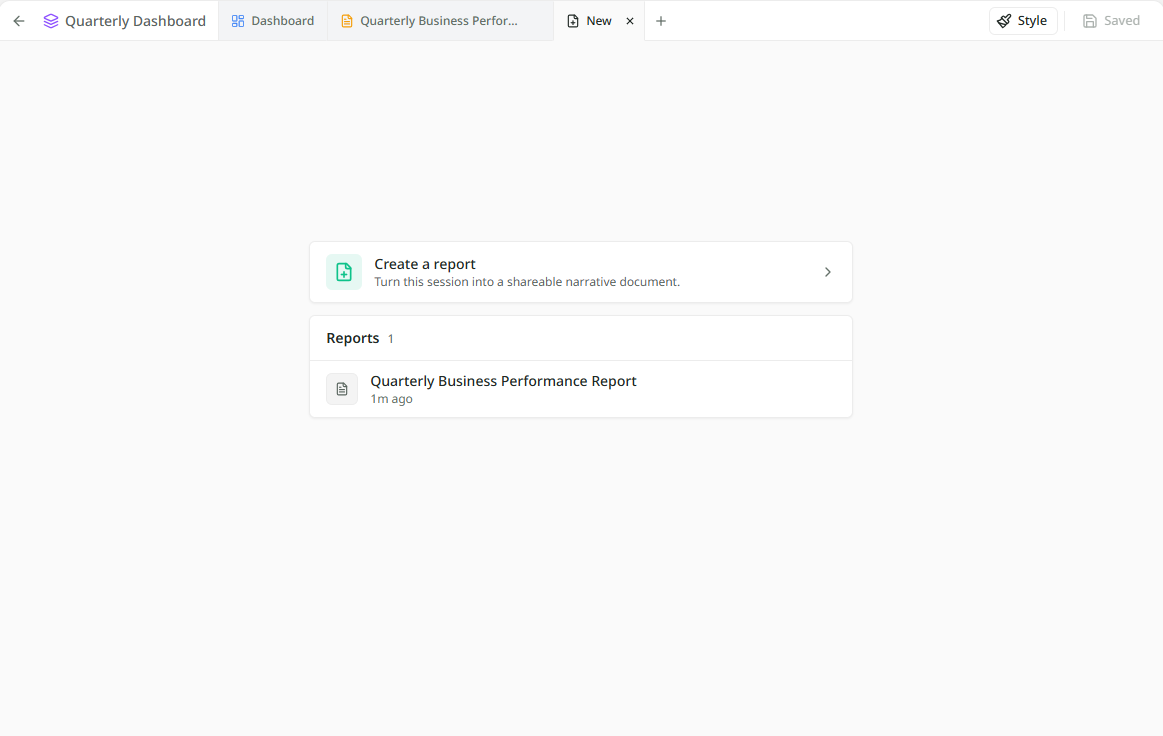
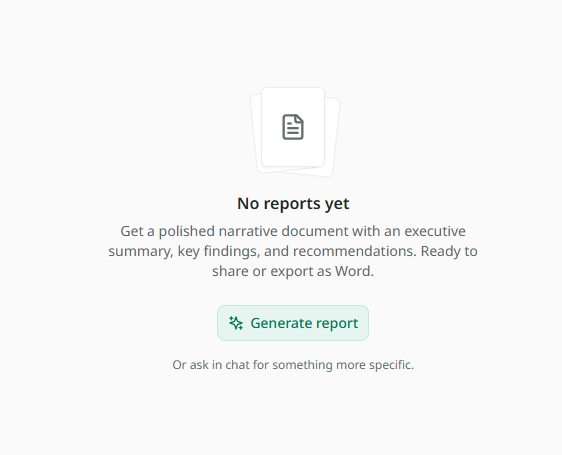
There is also a shortcut. The plus tab beside the dashboard has a Generate report button, and once the session holds a report, a Create a report panel above the list. Both send the same ready-written request: a summary of the dashboard's key measures, trends and what to do about them. Beneath the button is the line "Or ask in chat for something more specific", which is good advice. The best reports come from a specific question.
What Mira builds
Mira decides the shape from your question: which sections to write, which numbers to put in tables, and which of the dashboard's charts to include as figures. The cover carries your organisation's logo, the title, and the period the report covers. What's in a report walks through each part.
Every number comes from your tables, the same way an answer in chat does, so the working is there to check. See Reading an answer.
A report describes the numbers as they were on the day it was written. It does not change on its own. When you want it on today's numbers, Updating a report builds it again as a new version.
More than one
A session can hold any number of reports. Ask for a second and the first stays. Each opens in its own tab, and the plus tab lists them all, newest first, with the date each was made.
